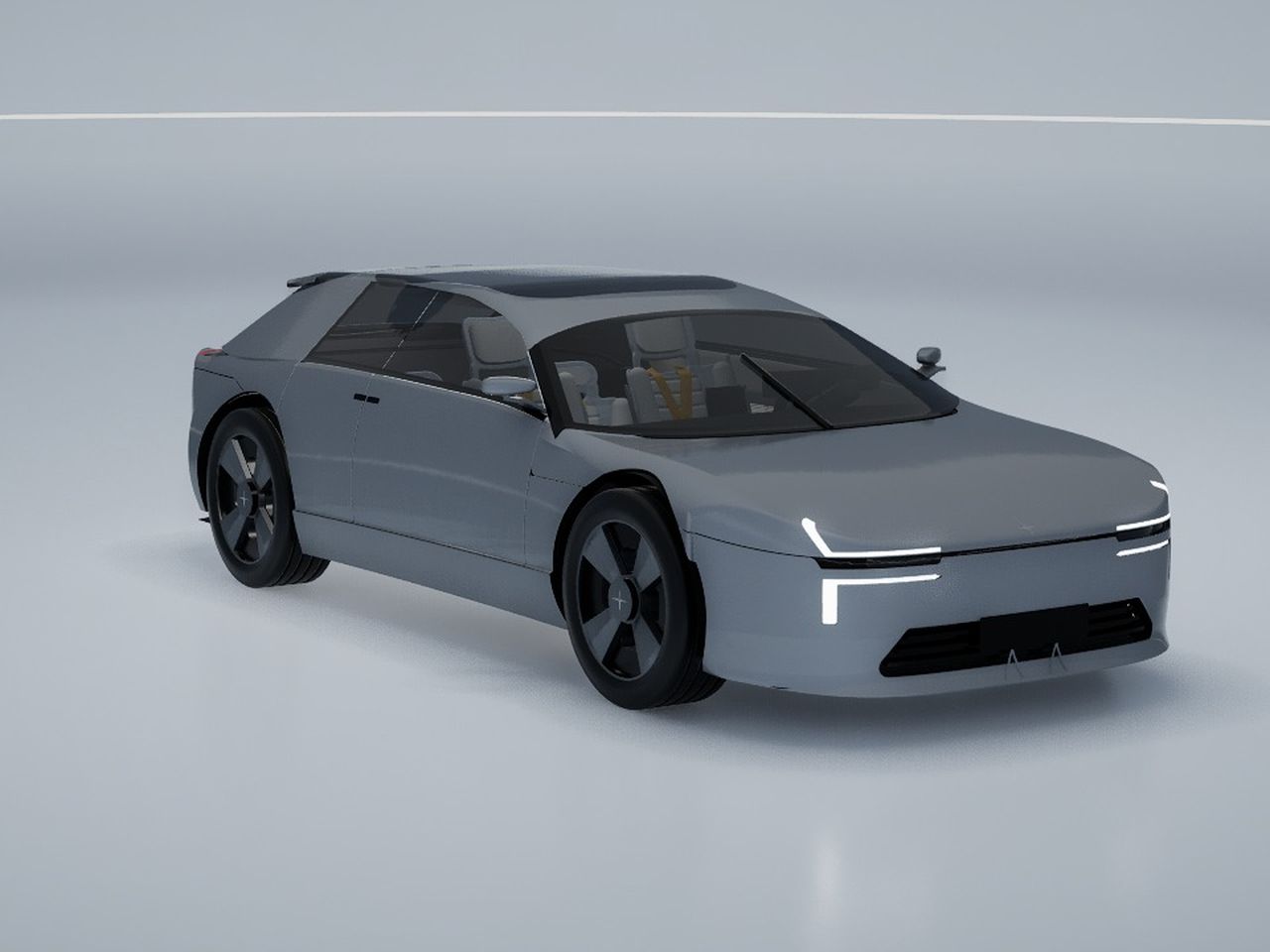
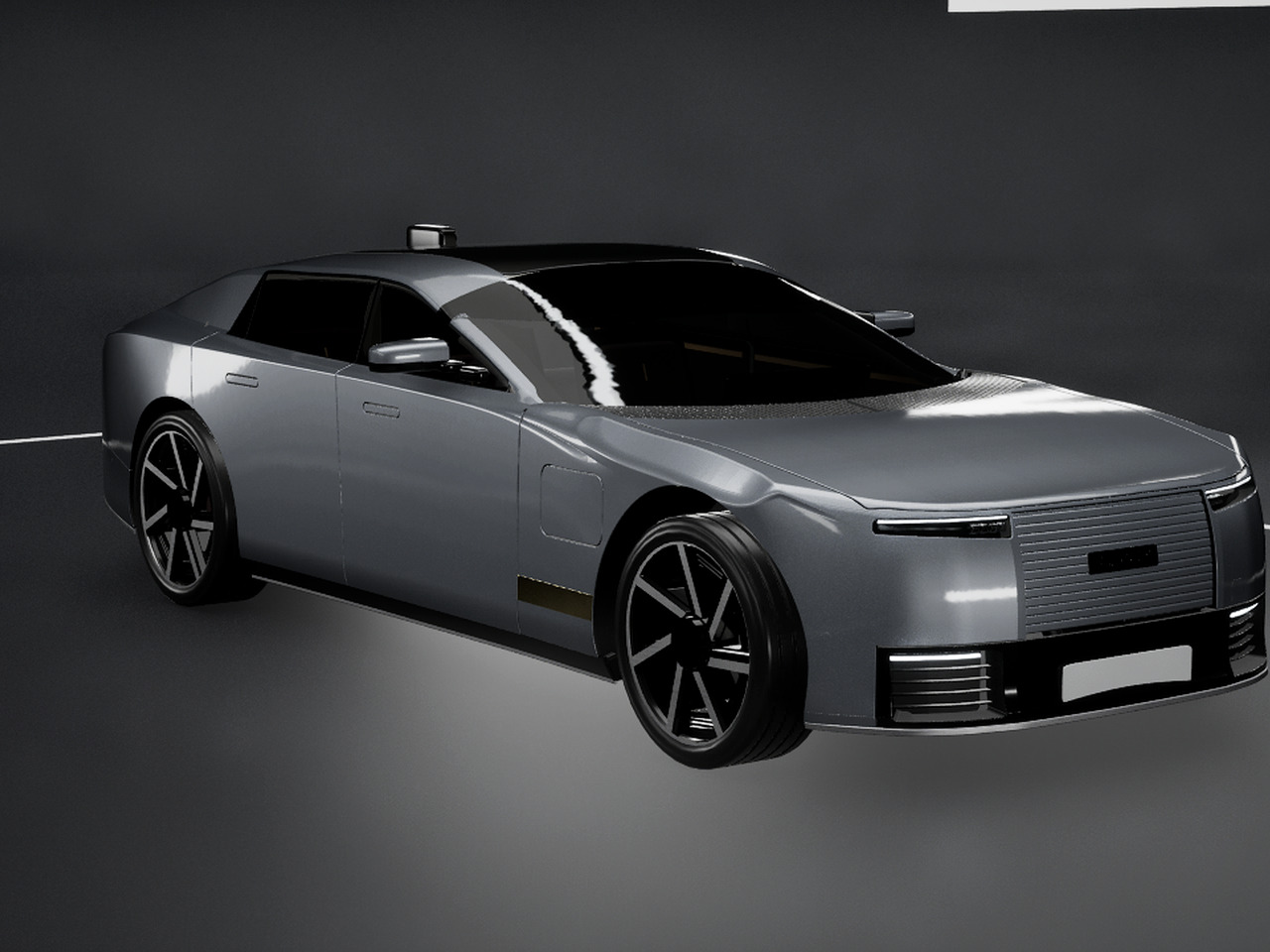
Short answer: for a luxury automotive configurator, keep one spec, open in 2D, stream 3D only on a tap, and treat the browser page and the Unreal build as one product from day one. The switch between views is where buyers feel the seams, so that's where most of the work goes.
Porsche's configurator is the best example of this I know. It opens as a light image configurator, and the 360° view starts only when you click for it. Your paint and wheels are already on the car when it opens. It feels like one thing. Getting there is harder than it looks, and I learned most of these the slow way.
1. Keep the first click light
The first screen should be images, not a stream. Images load instantly on any phone and any network. A stream needs a GPU and a few seconds to connect.
Most people on a configurator page are trying a colour or two. They don't need a cloud GPU for that. Save the stream for the people who lean in.
2. Use 3D where confidence matters
3D earns its cost at specific moments: walking around the car, checking how a paint looks in shade, seeing the wheel against the body, opening a door. That's when a buyer is close to deciding.
So the 3D button should sit right next to those moments, not hidden in a menu. "See it in 3D" under the paint picker works. A separate "3D experience" page doesn't.
3. One spec, read by both views
This is the big one. The spec (paint, wheels, trim, stripes, roof) has to live in one place, and both the 2D page and the 3D stream read from it.
On our builds the page holds the spec and sends it to Unreal in two ways: in the link when the stream opens, and as messages while it's running. Unreal answers back when something changes inside 3D, so the page stays right too.
When I got this wrong, it looked fine in testing and broke in real use. The buyer picks red in 2D, opens 3D, changes the wheels in 3D, closes it, and the 2D page still shows the old wheels. Small thing. It kills trust instantly.
4. Design for streaming from the start
Pixel Streaming isn't a deployment step you add at the end. It decides how you build things from day one:
- Option names must match exactly between the page and the Unreal build.
- Camera angles in 2D should match a camera in 3D, so the handover doesn't jump.
- Loading needs a plan. The 2D image stays on screen until the first 3D frame is ready, then fades across.
- Cost follows sessions. If the stream only starts on a tap, the bill follows real interest.
If you bolt streaming onto a finished 2D configurator, you end up rebuilding half of it.
5. Treat it as one product
The buyer doesn't care what's 2D and what's 3D. They see one car. So the page, the 2D images and the stream need the same lighting, the same backdrop, the same fonts and the same paint names.
The best test I've found: show it to someone who's never seen it and ask them when it switched to 3D. If they can't tell you, it works.
What it looks like in practice
| Step | What the buyer sees | What's running |
|---|---|---|
| Lands on page | Their car in 2D, instantly | Images only, no GPU |
| Picks paint and wheels | The 2D image updates | Images only |
| Taps "See it in 3D" | Same car, same angle, now live | Stream starts, spec passed in |
| Walks around, opens a door | Full Unreal Engine 5 quality | Cloud GPU |
| Closes 3D | Back in 2D with any changes kept | Stream ends, spec synced back |
Why this matters for a luxury automotive configurator
People visit configurator pages 1 to 6 months before they buy, and those visits track with sales (MDPI Forecasting, "Influence of Car Configurator Webpage Data from Automotive Manufacturers on Car Sales"). That's months of a buyer coming back to look at their car. Each visit should feel as good as the first.
And every spec they build is data. You see which paints and wheels people want, long before the orders come in.
If you're planning a configurator, or adding 3D to one you already have, the live session below is a good way to see the handover for yourself.